Why Stripe Receipts Are Not Valid Invoices — And What To Do Instead
30 January 2026
Running an online business often means juggling a dozen tools and services just to keep things moving — from website hosting and email marketing to payment processors like Stripe. Stripe is especially popular because it makes accepting payments incredibly easy. You connect your bank account, set up your checkout, and boom — customers start paying you.
But there’s a common and dangerous misunderstanding among digital entrepreneurs, freelancers, and SaaS founders that we need to address.
Stripe receipts are not valid invoices.
And if you’ve been treating them as such, you’re not alone — but you may be putting your company at risk from a compliance and accounting perspective.
Let’s break this down in simple terms.
1. The Stripe Receipt Trap
Here’s how it usually goes.
You sell something — a digital service, access to your platform, maybe a subscription. Stripe collects the payment, sends a confirmation to the customer, and shows you a record in your Stripe dashboard. You might even click “Send Receipt” or think, “Great, that’s my invoice done.”
Unfortunately, it isn’t.
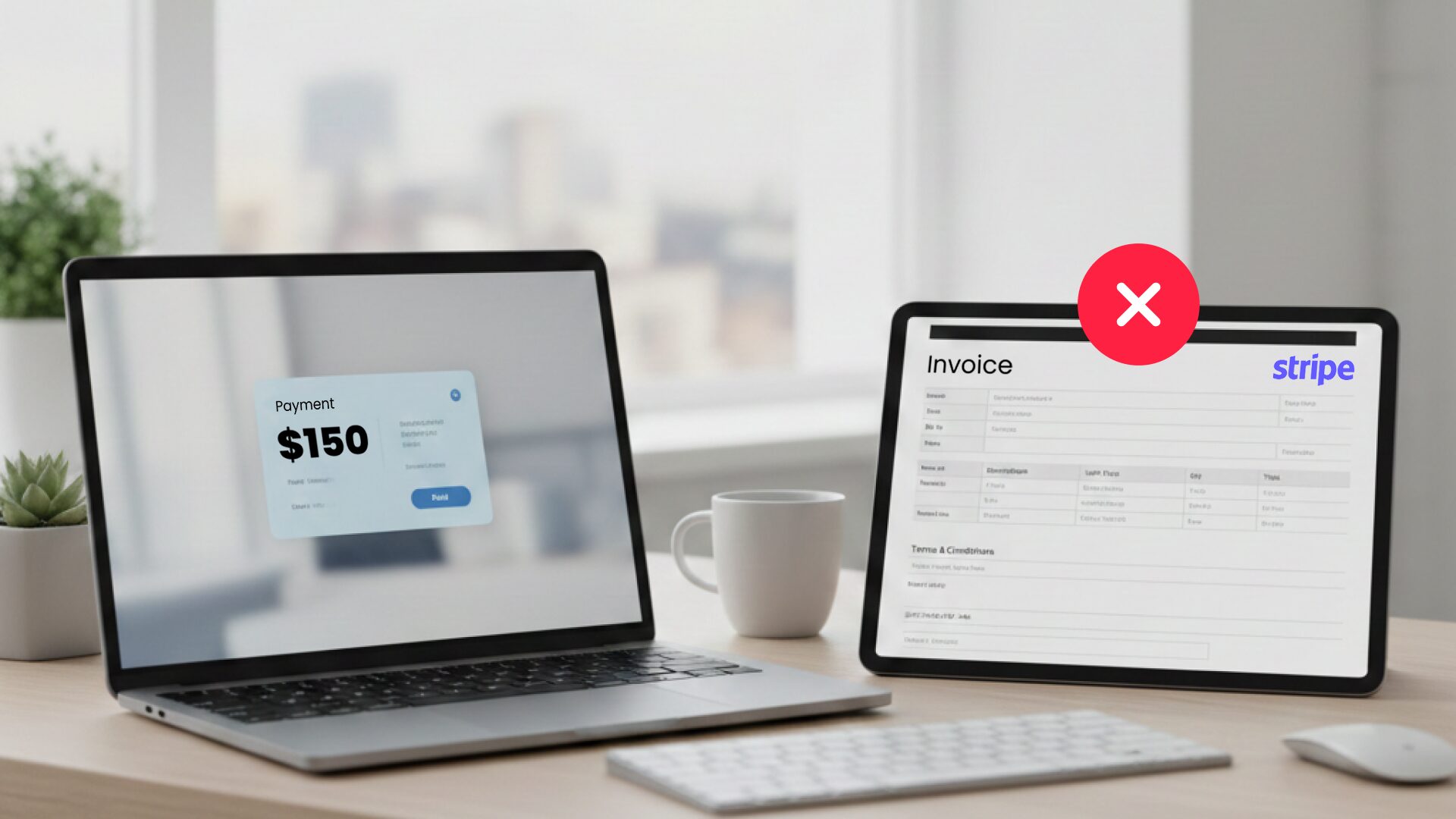
What Stripe sends is a receipt — a payment confirmation. It’s designed to reassure your customer that the payment was successful. But from a legal and accounting perspective, a receipt is not the same as an invoice. Not even close.
2. What Makes an Invoice “Legit”?
In the European Union — and in most countries, for that matter — an invoice is a formal legal document. It serves as evidence that you’ve sold something, charged the correct taxes, and met your legal obligations.
To be considered valid, an invoice must include things like:
- A unique, sequential invoice number
- The legal name and address of your business
- Your company’s VAT number (if you have one)
- The buyer’s name and VAT number (if they’re a company)
- A clear description of the goods or services sold
- The date the invoice was issued and the date of the transaction
- The correct VAT rate and total breakdown
Stripe receipts usually include none of this. They show a payment happened — but they don’t prove that the transaction was invoiced correctly, legally, or with the right tax treatment.
3. But Stripe Says They Handle Taxes, Right?
Sort of. Stripe helps you collect payments, but it doesn’t automatically issue legal invoices for you unless you’ve specifically built or integrated an invoicing system on top of it.
And to be fair, Stripe is very clear about this in their documentation. They recommend that businesses use external invoicing software to remain compliant — especially in Europe.
If you’re relying solely on Stripe receipts, you’re taking a shortcut that could lead to:
- Audit issues
- Rejected invoices from B2B clients
- Accounting inconsistencies
- VAT problems (and possibly fines)
- Trouble when you submit your Annual Report
At Companio, we’ve seen this first-hand. Stripe receipts get uploaded to our dashboard, and our accounting team has to reject them because they simply don’t meet EU invoicing standards.
4. So What Should I Use Instead?
If you’re serious about staying compliant — and saving yourself from expensive headaches later — here’s what we recommend:
Use Real Invoicing Software
There are plenty of tools that can generate proper, compliant invoices. Some even integrate directly with Stripe or your e-commerce system.
Examples include:
- Sufio (for Shopify)
- WooCommerce (for WordPress)
- Zoho Invoice
- QuickBooks
- Custom-built invoice modules in your SaaS or platform
If you’re building your own platform, you must build an invoicing layer that issues documents with all the fields mentioned above.
Use Companio’s Invoice Inbox Feature
As a Companio customer, you have a special email address for your company — your Invoice Dropbox. You can configure your invoicing tool to send every invoice to this email automatically. It gets picked up by our system and reviewed by our accountants.
It’s one of the easiest ways to keep your records clean and compliant.
Don’t Upload Stripe Receipts
Please don’t. We can’t process them. We can’t prove anything with them. They’re just a notification that someone paid you — and they don’t belong in your accounting records.
5. Selling Automated Services or Downloads? You Might Need OSS
If you’re selling digital products or automated services — like downloadable ebooks, SaaS subscriptions, or templates — to customers across the EU, you may fall under the One Stop Shop (OSS) VAT regime.
This means:
- You must charge the VAT rate of the country where the customer is located
- You must issue proper invoices with this information
- You must report these sales in your OSS VAT report
Stripe doesn’t take care of this automatically. And their receipts definitely won’t cover you in case of an audit. You need an invoicing system that lets you apply the correct VAT rate per country and issue full invoices.
6. What About Other Payment Gateways?
The same applies to:
- Mollie
- GoCardless
- PayPal
- SumUp
They’re great at collecting payments. But unless you configure them properly or use them alongside invoicing software, they won’t create valid invoices either.
7. So How Can Companio Help Me With This?
At Companio, we do more than accounting. We build systems and tools that help digital entrepreneurs like you stay compliant without becoming accountants yourself.
What we offer:
- Dashboard-integrated invoicing
- Invoice Dropbox inboxes
- Automatic document matching
- Clear guidance and support for e-commerce, SaaS, and service businesses
- OSS compliance setup (when needed)
And we’re now working on smart detection systems that will automatically flag Stripe receipts and other invalid documents — to help prevent mistakes before they impact your accounting.
Conclusion: Receipts Aren’t Enough. Do It Right.
Stripe makes it easy to get paid — but you still need to do your part.
If your business is in the EU (or serving EU customers), issuing valid invoices isn’t optional. It’s a legal requirement. And relying on Stripe receipts is like showing up to a tax inspection with post-it notes.
So, let’s do it right: use proper invoicing software, set up integrations with Companio and stop treating receipts like invoices.
It’s a small effort now that saves you a mountain of stress later.
And if you need help? We’re just a message away!